Pick your person.
Someone you'd like to do this with. Send them a link, QR code or invite code, and they join from their own iPhone.
The iPhone app for running together
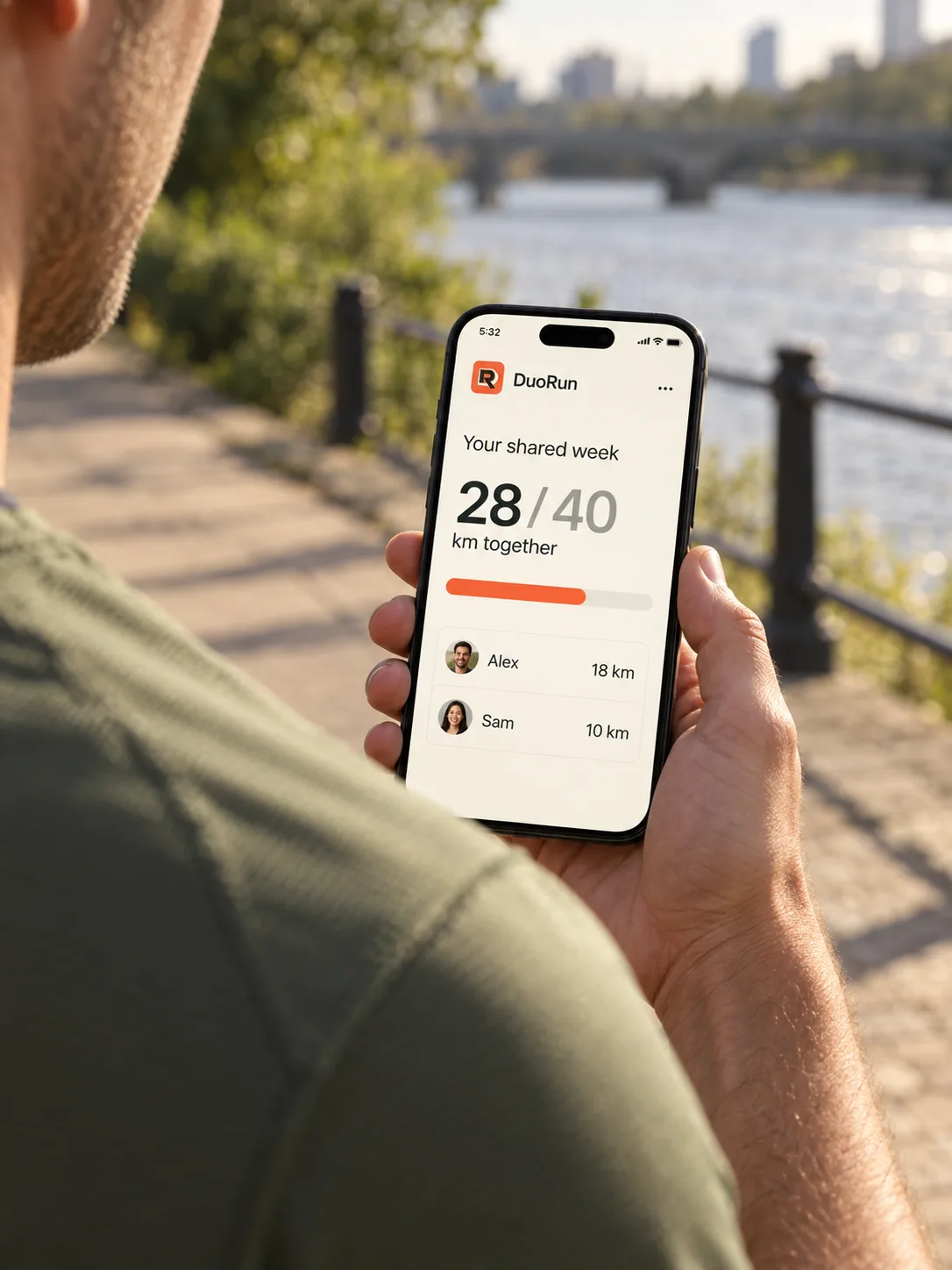
An iPhone app for you and your running partner. Set a shared weekly goal, run at your own pace, and see your progress add up together.
Built around Apple Health.
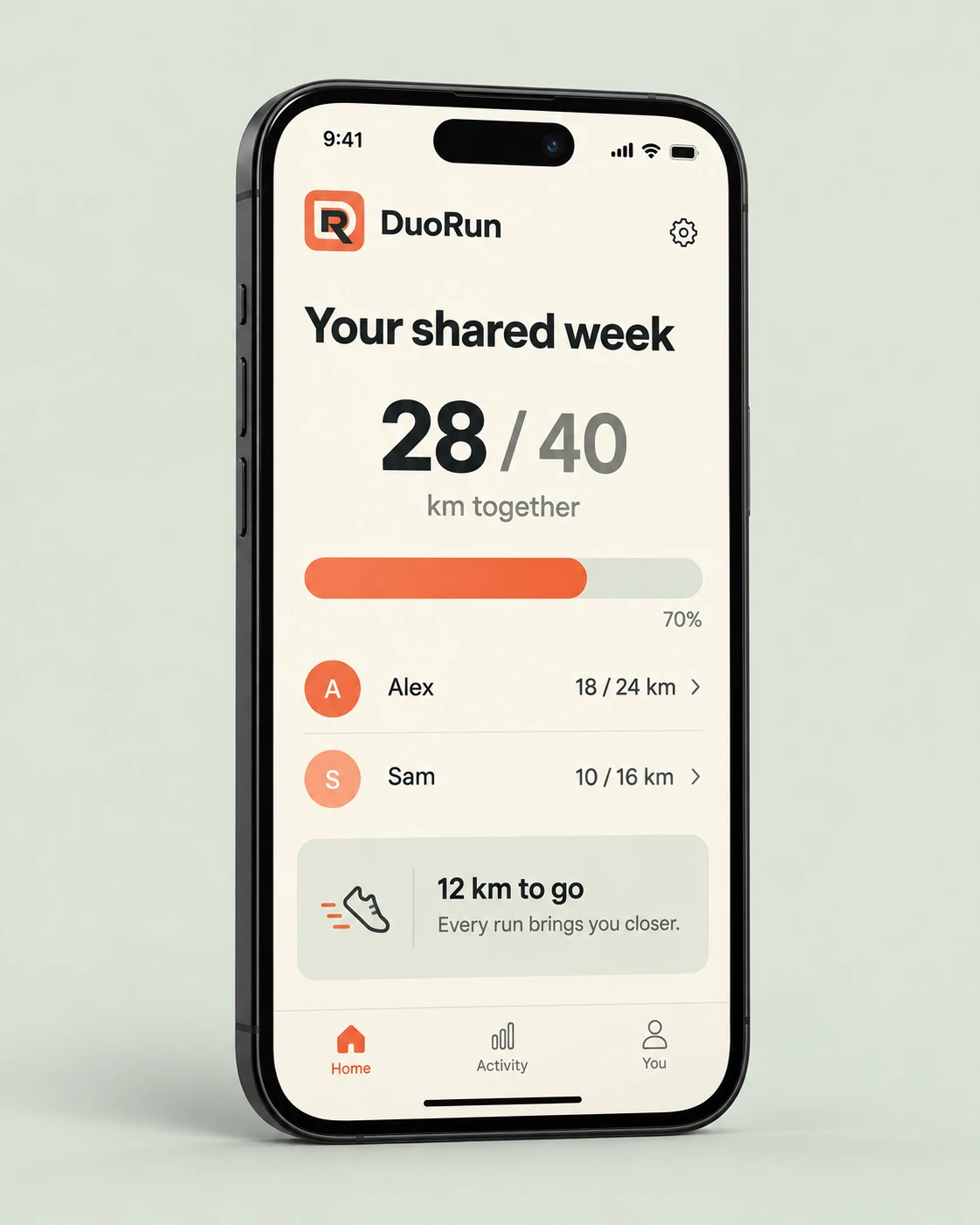
The smallest running club.
The person who gets you.
A shared goal you can take with you.

01 / How it works
Someone you'd like to do this with. Send them a link, QR code or invite code, and they join from their own iPhone.
Choose a weekly distance or number of runs, and split it in a way that works for both of you. Equal effort doesn't have to mean equal miles.
Record runs the way you already do, with Apple Watch or an app that saves to Apple Health. Every finished run adds to your shared progress.
Same town or different time zones. You're still on the same team.
02 / Inside the app
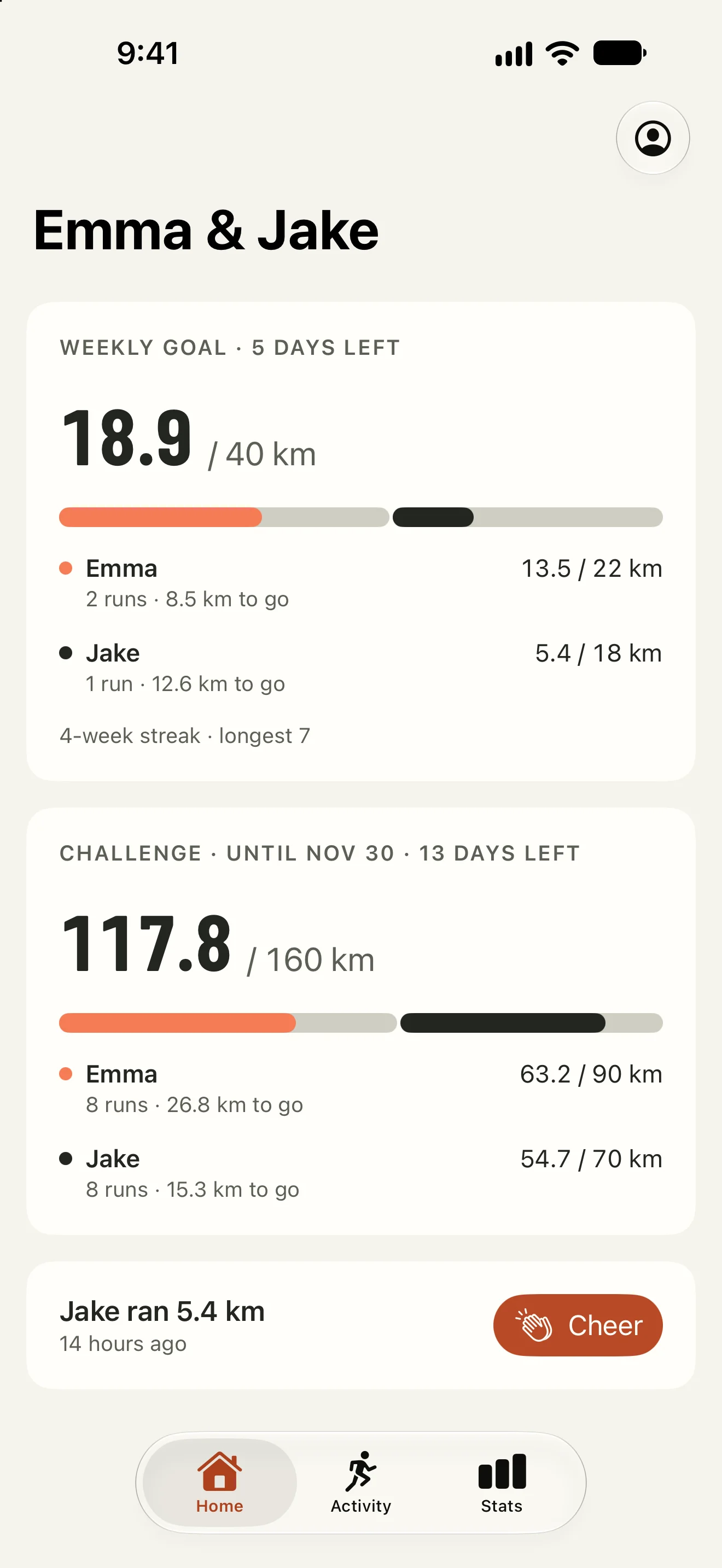
The weekly goal, the challenge and each person’s part on one screen.
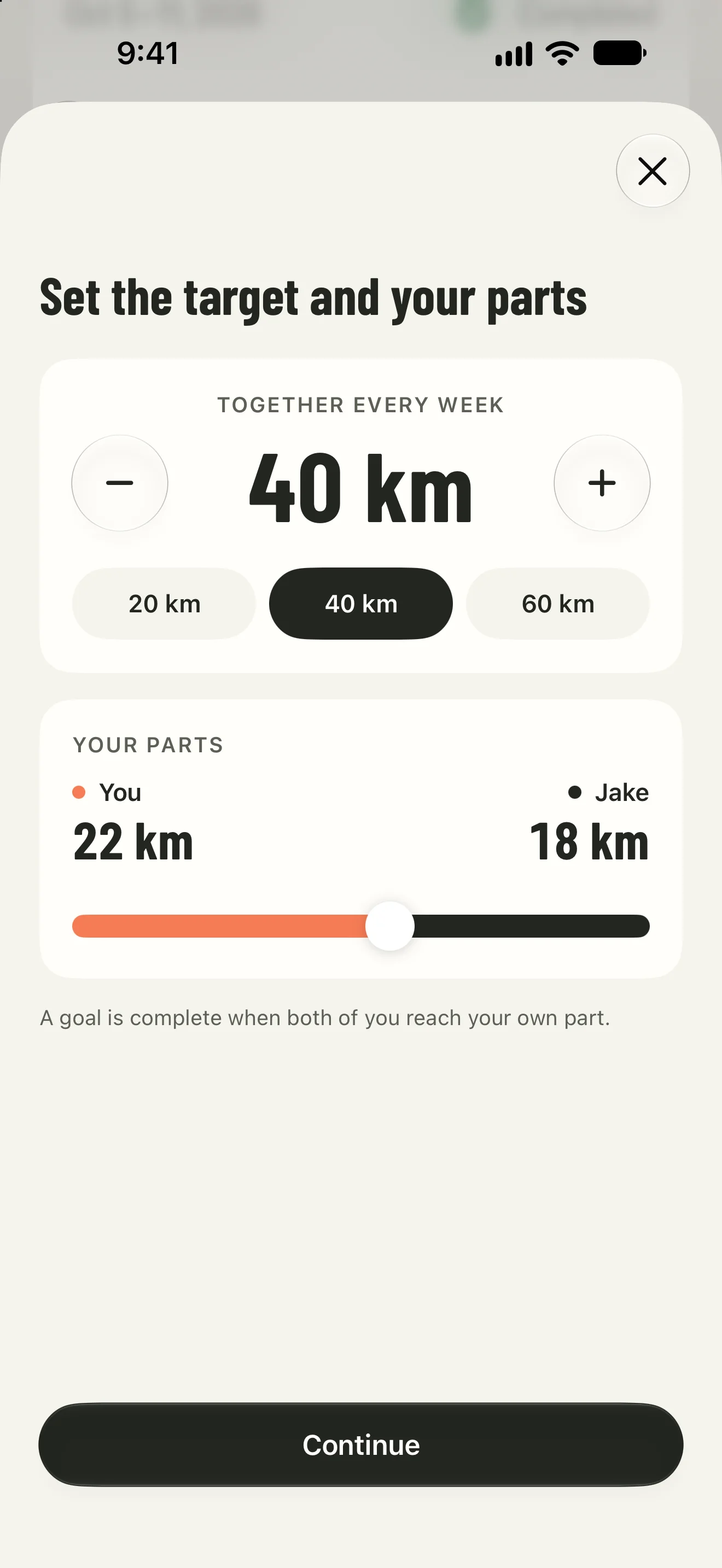
Pick a target and slide to split it. The goal starts when your partner accepts.
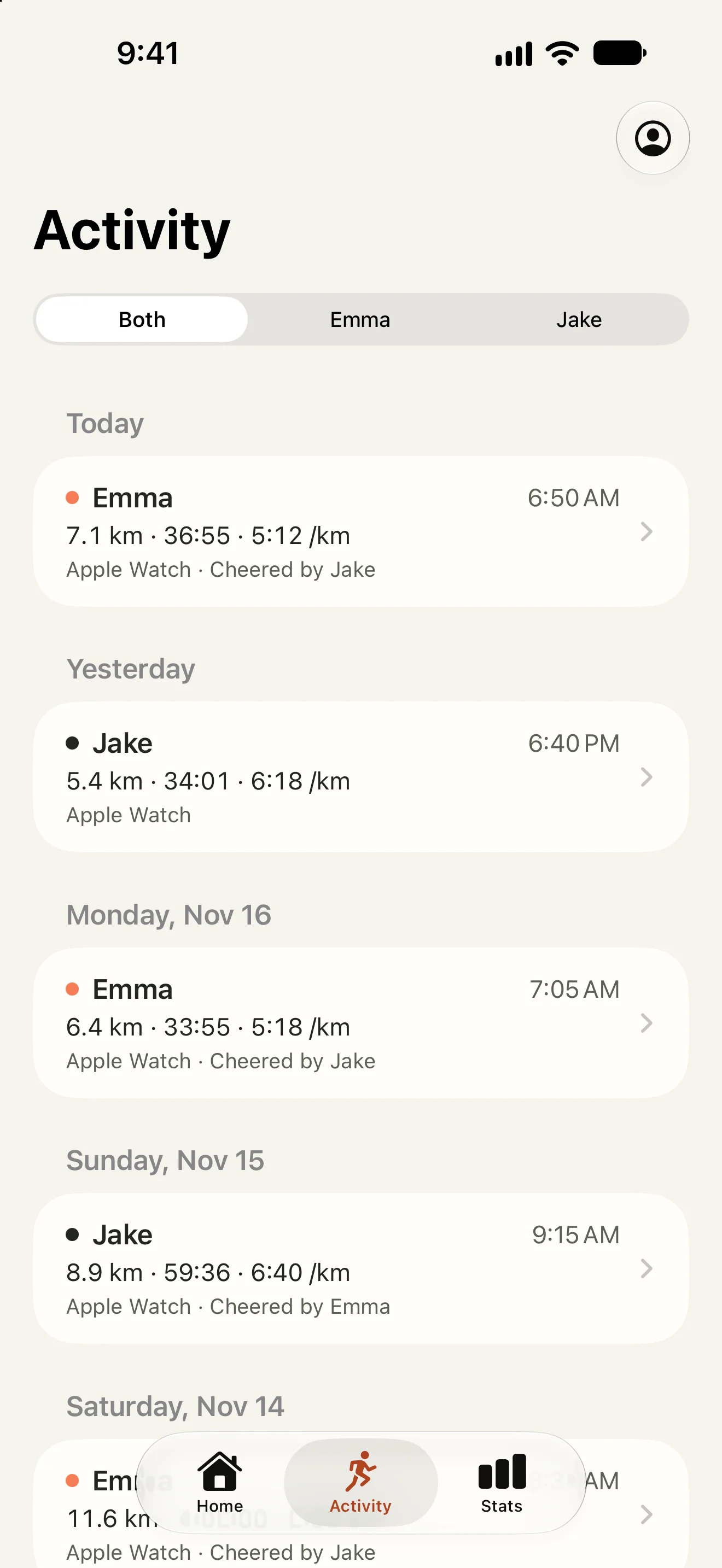
Every run from Apple Health, yours and theirs, as it syncs.
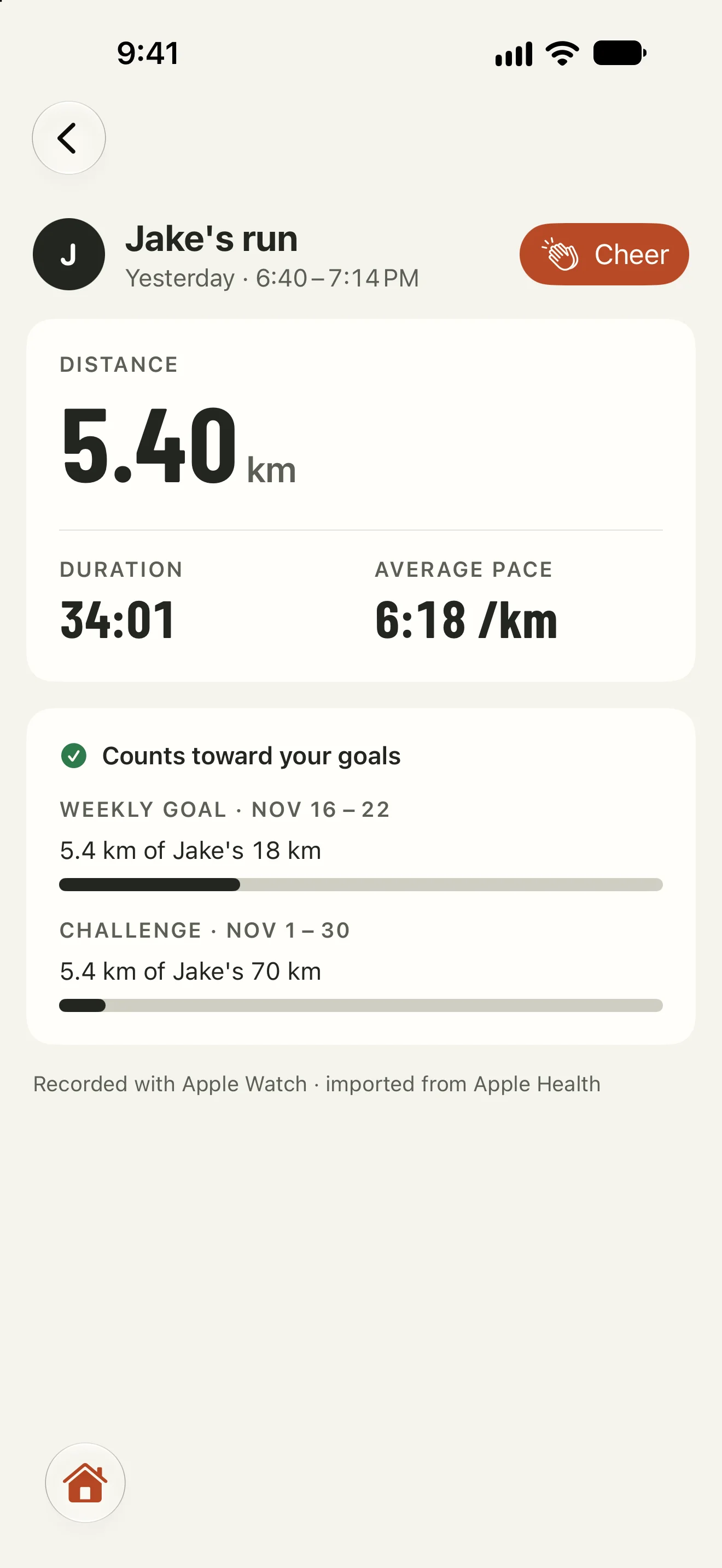
See what a run counts toward, and send a cheer.
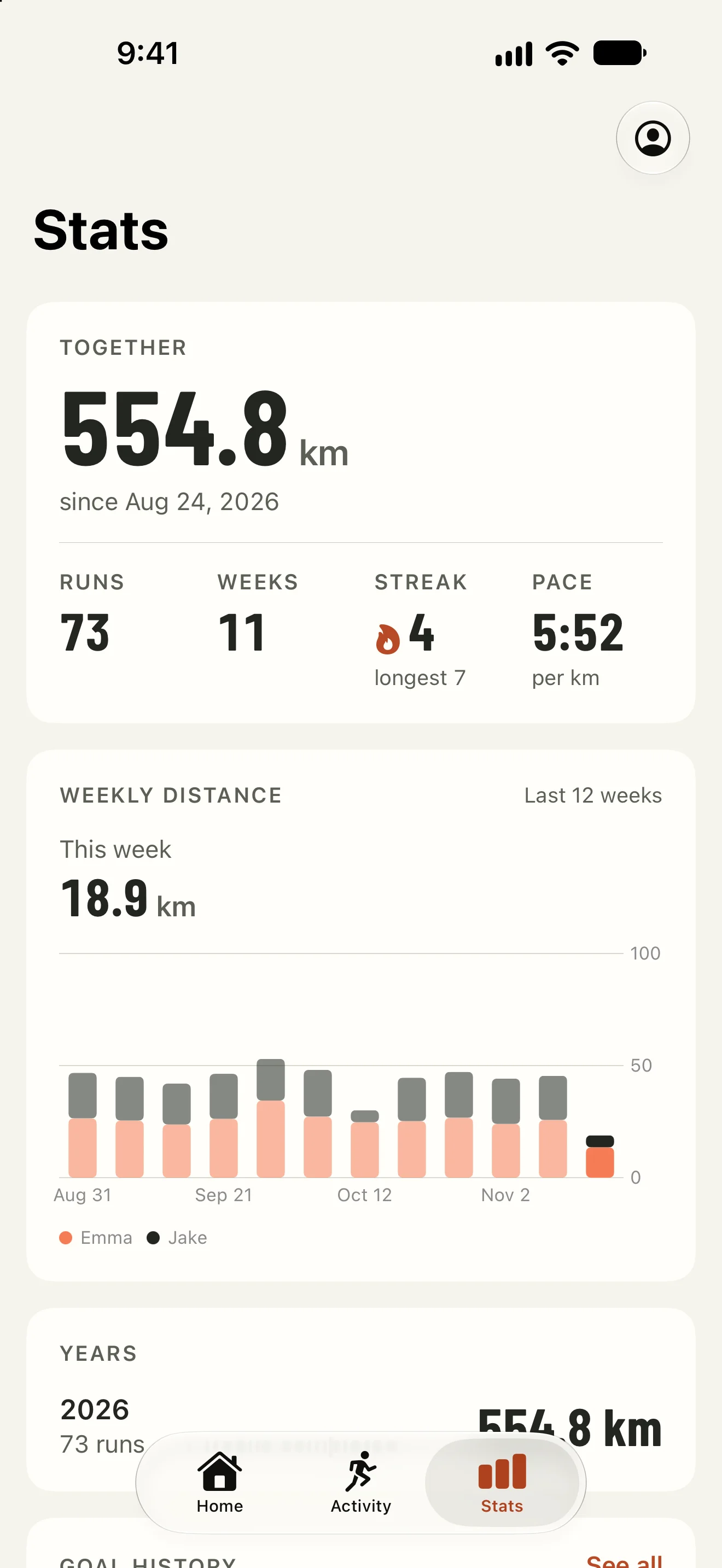
Distance together, your streak and every week at a glance.
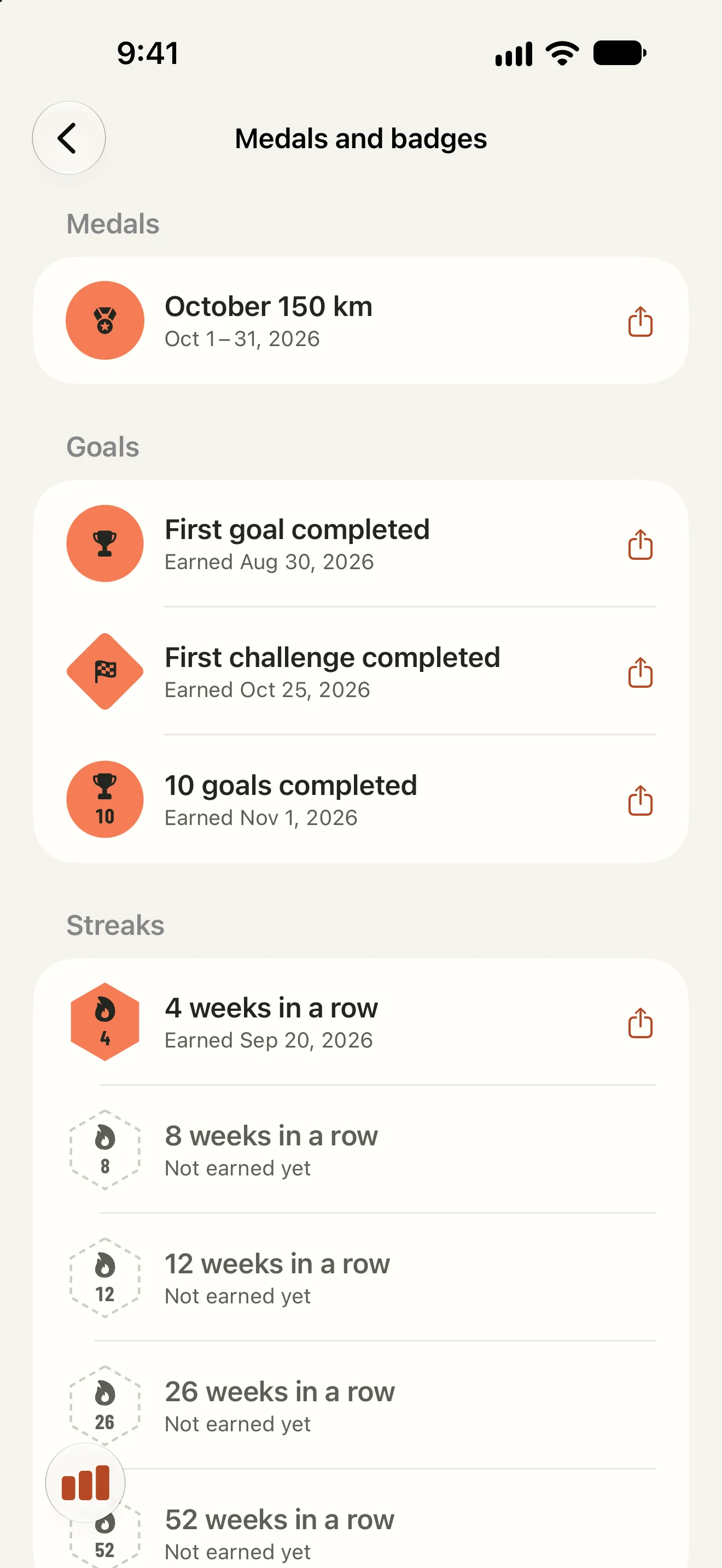
Medals for finished challenges, badges for goals and streaks.
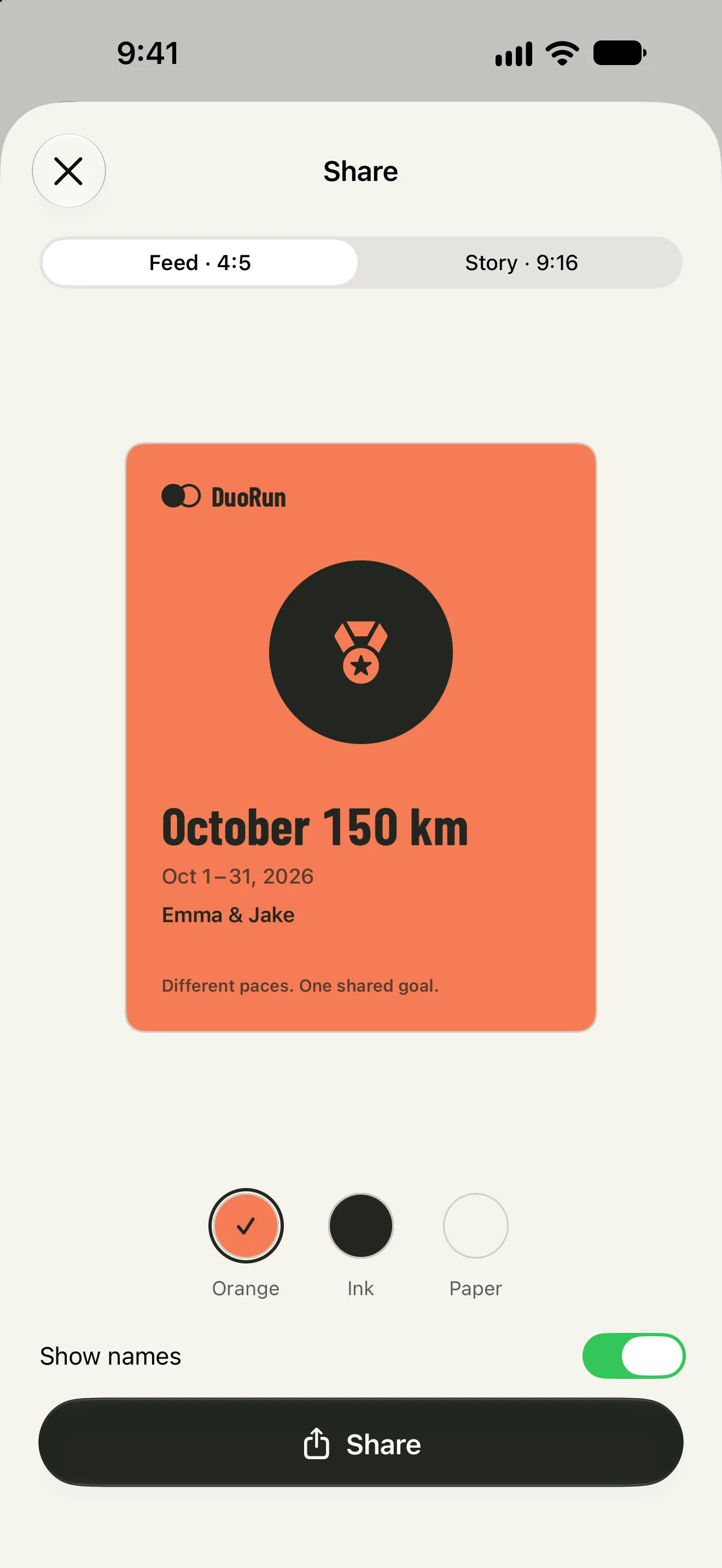
A card for a finished week, challenge or badge, with your names if you want them.
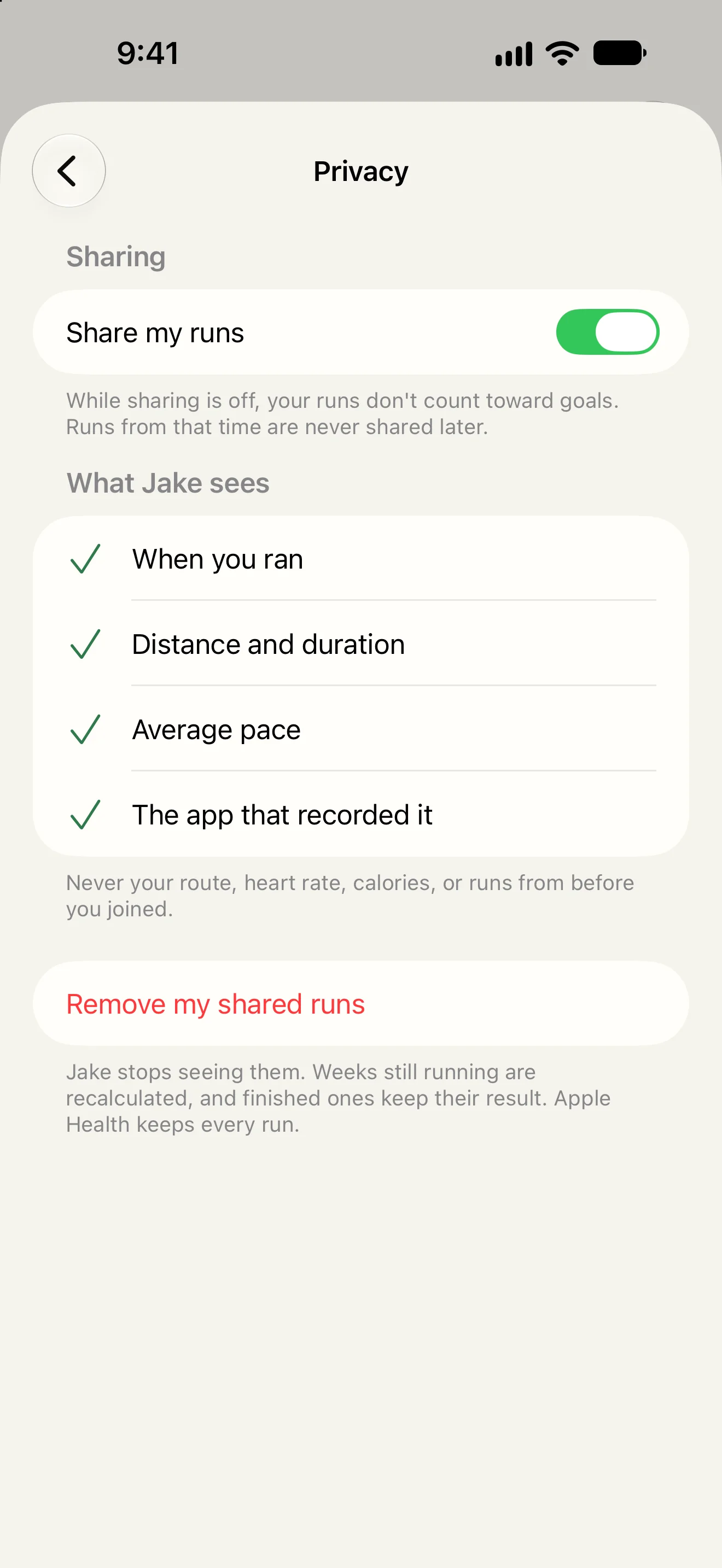
Your partner sees when you ran, how far, how long and your pace. Never your route.
03 / A fair share
One of you loves a Sunday long run. The other is finding their feet. Give yourselves a goal that has room for both.
A shared goal.
Not another leaderboard.
Move the marker. Make it work for both of you.
Just an example. Your goal isn't saved.
04 / The good part
That's something worth celebrating. Finish a week and DuoRun makes you a card to share. It shows what you did as a team, with your names only if you add them.
Cheer each other's runs, keep a streak going and earn badges together. No rankings between you. No routes or locations. Just a little proof that you showed up for each other.
A few good questions
No. Different routes, different paces, different days. Each person’s runs count toward the same weekly goal. Run together when it works. Run separately when life gets in the way.
That’s the idea behind personal shares. Agree on a shared goal and choose a different share for each person. A 40 km week could mean 24 km for you and 16 km for your partner.
No. With your permission, DuoRun imports completed runs from Apple Health. Keep recording with your Apple Watch or another app that saves running workouts to Apple Health. DuoRun isn’t a live GPS run recorder.
DuoRun reads runs from Apple Health and nowhere else. If your watch or app saves running workouts to Apple Health, those runs count. There’s no direct connection to Strava, Garmin or other services.
Yes. Your runs come from Apple Health on your iPhone, so each of you needs an iPhone with iOS 26 or later. There’s no Android version.
Only a summary of each run you agree to share: when it started and ended, the distance, duration and average pace, and the name of the app that recorded it. Never your route, heart rate or anything from before you joined. You can turn sharing off at any time.
Either. Your partner, your best friend, your sibling across the country. DuoRun is for two people who already know each other and want a shared reason to keep running. It isn’t a service for finding a running partner.
DuoRun is free to download, and your first goal together is free for a week (one free week per person). After that, DuoRun Pro keeps your goals going, monthly, yearly or for life. One purchase covers both of you, and nobody has to pay to join a partner.